Virtual staging before and after: how to keep the original photo visible
Editorial update:
A virtual-staging before-and-after should answer one question clearly: what is the property like today, and what is the design concept asking a viewer to imagine? The original photo needs to remain visible for that comparison to be honest.
Treat the pair as presentation material for a conversation. It is not a guarantee about furnishing, works, permission, buyer reaction, or a channel’s acceptance rules.
Illustrated example: distinguish the room from the concept
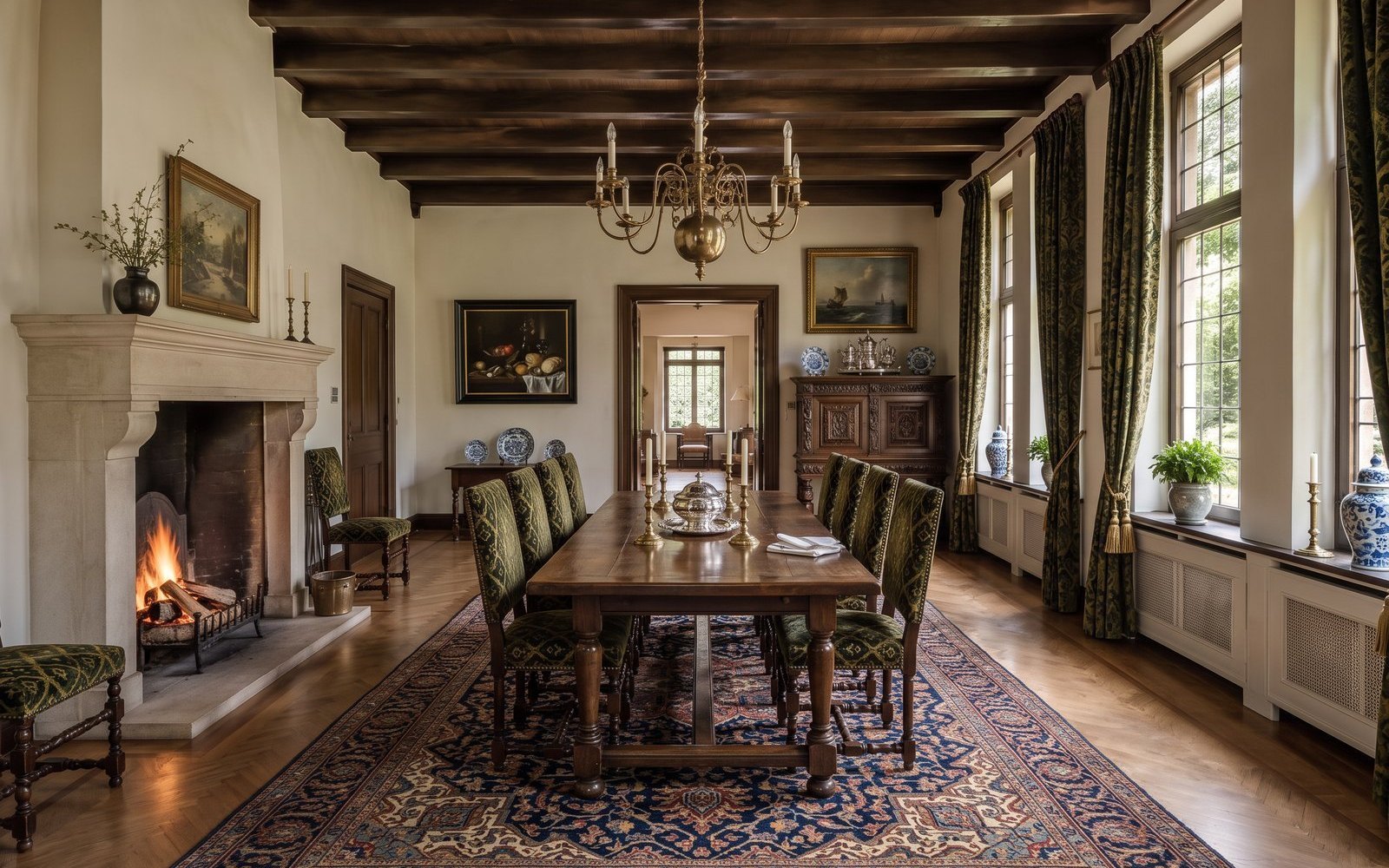
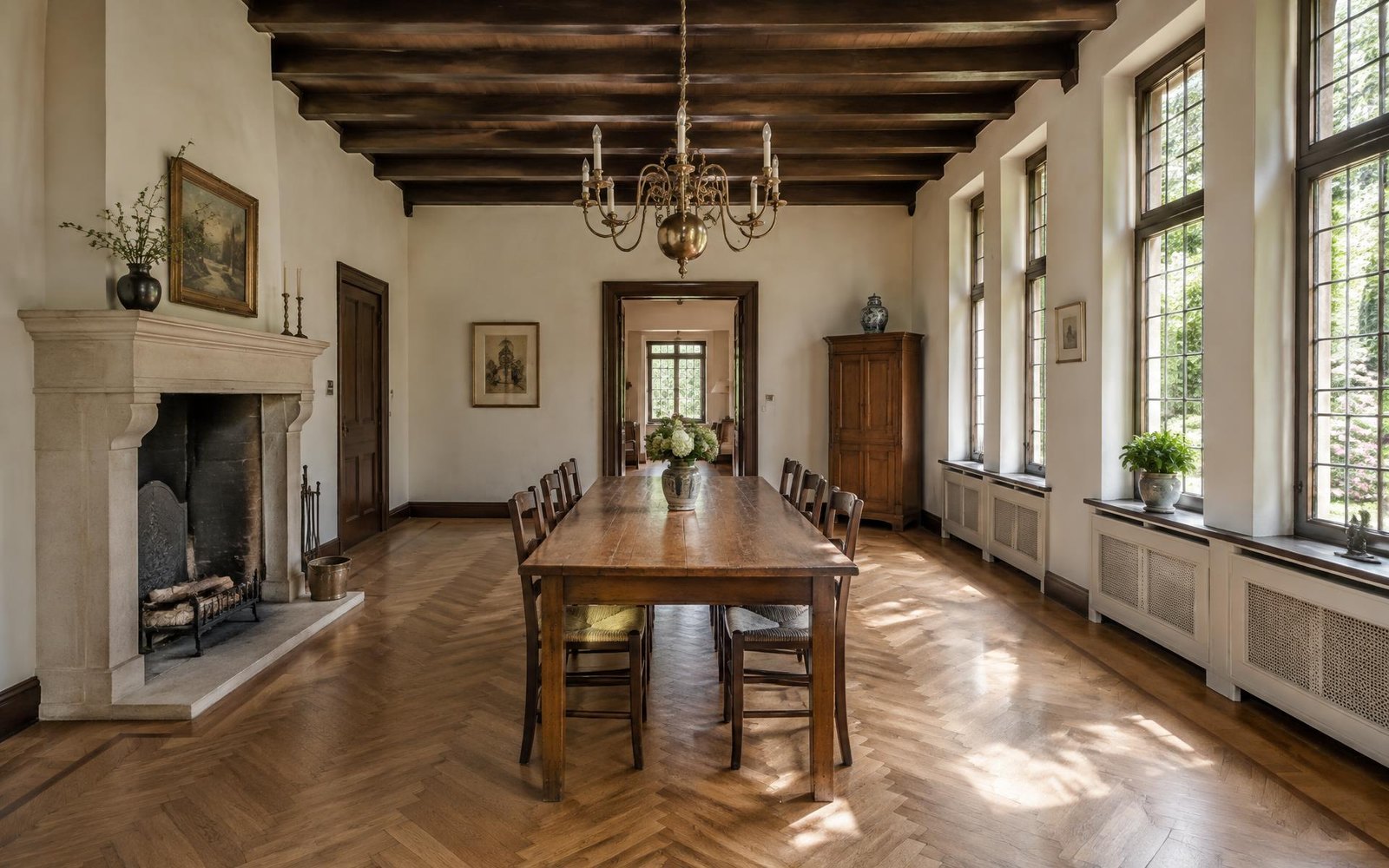
Both images in this comparison are AI-generated illustrations from Spaceoverlay’s example asset set. Neither is an original property photograph, a customer result, or evidence of completed work. Move the divider to compare the illustrative room with its staging concept.
Use this example to practise the review: compare the position of openings and visible fixed features, inspect furniture scale and access, and notice whether either image could be misunderstood without its label. For an actual listing, replace the illustrative base with an unchanged original photograph of that property and review the concept against it.
A concrete review finding here: the concept changes the chandelier and adds a lit fire, as well as changing the furniture and wall art. Those changes go beyond simply arranging furniture. This pair is useful for spotting drift, but it is unsuitable as evidence of an actual property’s fixtures or a working fireplace; an AI label does not resolve that problem.
Prepare the original as the reference image
Choose an original listing photograph that shows the room without concealing its key features. Keep its file and context intact: property, room, date, and viewpoint. The original is not merely source material for an AI image; it is the reference that lets a seller or buyer see what has and has not changed.
NAR notes that virtual staging can add furniture, decor, or renovations digitally, and advises disclosure when photo enhancements materially alter the property. That supports a simple operating rule: the more consequential the change looks, the more important the original comparison and clear explanation become.
- Use original property photography.
- Name the room and preserve the chosen viewpoint.
- Do not present an illustration as an original photo.
Build the after image around one explicit idea
Write a narrow brief before generating a design: for example, “a light family living room” or “a calm dining room.” Avoid combining several hypothetical construction or use changes in one image. The reader should be able to identify the concept without mistaking it for a record of existing features.
Spaceoverlay is designed to generate a room design on the real photo from the same viewpoint and label it “AI design.” That makes the original/design pair easier to discuss. It does not mean the proposed furnishings, use, or construction are available, approved, or feasible.
- One concept per image.
- Keep the original viewpoint.
- Avoid adding or removing material property features.
Show the pair together and label it where it travels
Place the untouched original beside, below, or immediately before the AI design. Give the original a plain label such as “Original room photo” and the concept a clear “AI design” label. Do not rely on a distant caption, a filename, or a spoken explanation that will disappear when the image is forwarded.
NAR’s broker guidance recommends clear disclosure of altered images and warns against a gap between listing imagery and the actual property. Use that as a professional practice point. It does not settle the policy of a specific platform, MLS, or jurisdiction.
- Original photo remains in the same presentation.
- AI-design label is visible on the concept.
- Do not crop away the evidence needed to compare them.
Review the pair before every new channel
A pair that works in a seller meeting may need a different review before appearing in an advert, listing feed, social post, or brochure. Check the relevant current rules and the brokerage’s process at the point of use. Do not generalise a rule from one market or channel to another.
For each approved pair, retain the source photo and a simple review record. If the use changes, return to the original and ask whether the presentation still explains the condition accurately. A before-and-after is persuasive only when the “before” remains genuinely available to the viewer.
- Review the images per channel.
- Keep a source-photo record.
- Escalate unclear disclosure or policy questions to the appropriate specialist.